 Monarch.
ForgeAI / TOFU / local AI server internet outage
Does a Local AI Server Still Work if the Internet Goes Down?
Local AI inference doesn't need the internet to run, but updates, logins, and cloud sync might. Here's what actually survives an outage.
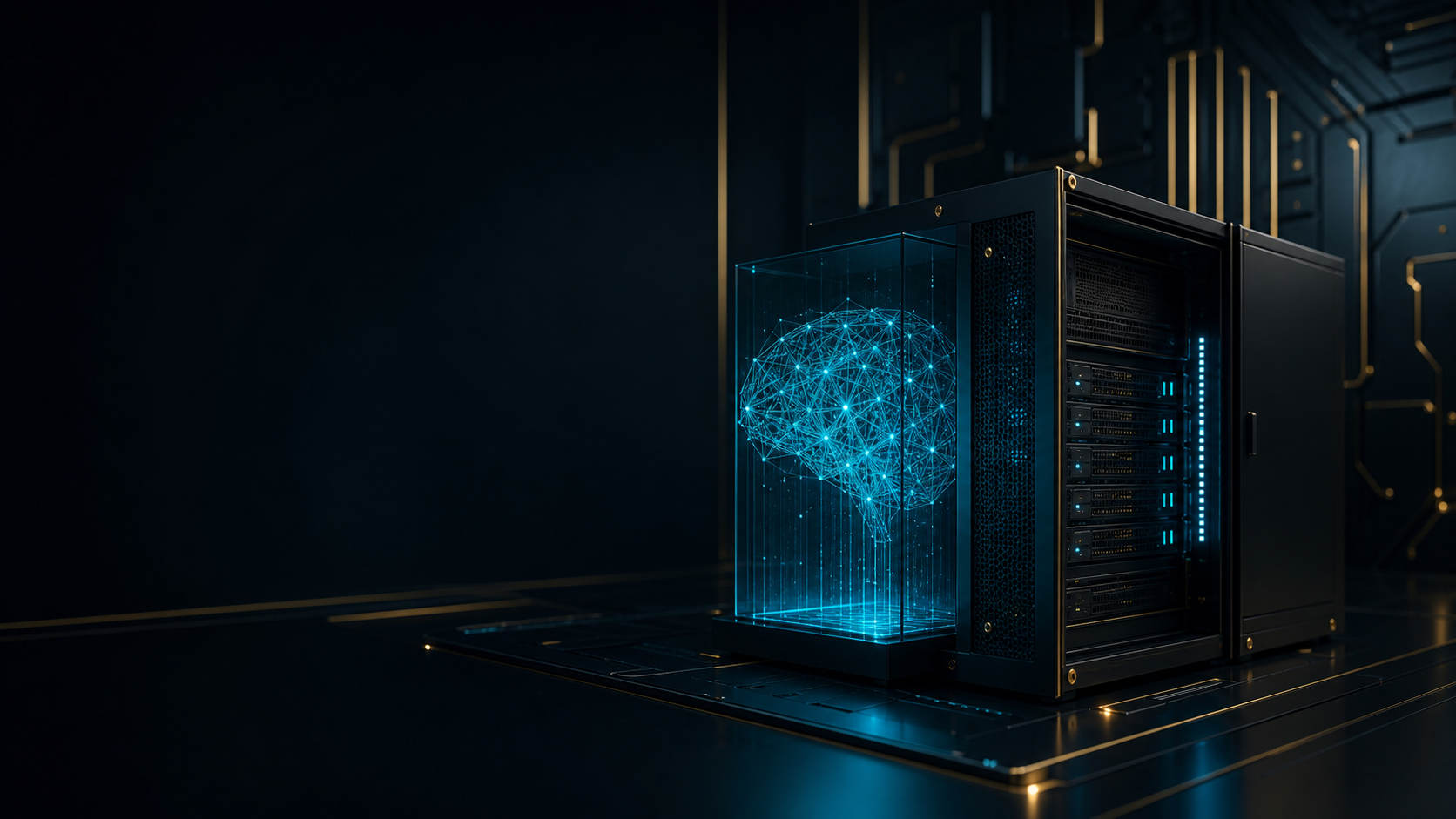
A local AI server's core inference, the part that actually generates an answer, keeps running when the internet goes down, because the model is sitting on hardware in your building and the math happens on that hardware. What stops working depends on everything built around the model: updates, cloud lookups, remote logins, and any step that quietly reaches out to the internet without anyone noticing until it can't.
Why doesn't local AI inference need an internet connection?
Once a model's weights are downloaded onto a server, running that model is computation, not communication. A guide on offline AI deployment puts it plainly: "inference is local, acquisition is not." The weights are files on disk. Generating a response is your own CPU or GPU doing math against those files, the same way opening a document you've already saved doesn't require Wi-Fi. Tools built for this, like Ollama and llama.cpp, don't phone home during normal use and don't need a license server checking in over the network.
That's the part people tend to assume covers "local AI" completely. It doesn't.
What still needs an internet connection, even on a "local" AI server?
A local model running offline is one layer of a system that usually has several. Each of the following can quietly depend on the internet, and each one failing looks the same from the user's chair: the AI stops working.
- Retrieval and search. If the system looks things up in a hosted vector database, or fetches live web pages to answer a question, that step fails the moment the connection drops.
- Remote identity and login. OAuth-based sign-in and any cloud-hosted user directory stop validating logins during an outage.
- Updates and new installs. Pulling a new model, a container image, or a software package all require reaching an external registry. A server that worked fine yesterday can fail after a restart if it tries to re-fetch something it previously cached only in memory.
- Cloud sync and outbound actions. Writing a result back to a SaaS tool, sending a notification, or syncing a file to the cloud all queue up rather than complete until the connection returns.
- DNS and clock sync. If local service names resolve through an internet-dependent DNS server, local services can look broken even though they're running fine. Long outages can also cause clock drift serious enough to break authentication once the network comes back.
None of this means local AI is fragile. It means "local" describes where the model runs, not automatically where every supporting piece runs.
What's the real difference between a "local model" and a "fully local workflow"?
This is the distinction that trips people up. A business can have a genuinely local model and still lose AI functionality in an outage, because the workflow around that model isn't local end to end. An offline-AI deployment guide frames the fix as preparation done in advance, not a feature flipped on later: pull every model, image, and package you'll need while you have a connection, then actually test the system with the network disconnected before you depend on it. Skipping that test is how a setup that looks fully local on paper turns out to have two or three hidden internet dependencies nobody had reason to notice.
How can a business test whether its AI setup actually survives an outage?
Run the outage before it happens to you. Restart the AI server cleanly, physically disconnect or block its internet access, and then use it the way your team normally would: ask it questions, have it pull from your documents, run whatever workflow depends on it day to day. Whatever breaks during that drill is the real list of your system's internet dependencies, not the list someone assumed. Fix or accept each one deliberately, rather than finding out during an actual outage that the thing you were counting on for exactly this situation needed a connection it didn't have.
Does this apply to ForgeAI specifically?
ForgeAI's core inference workflow is built to run without a cloud connection, which is the point of putting the hardware on a customer's own network in the first place. ForgeAI's on-premise server page (opens in a new tab) is direct about the nuance that matters here too: exact capabilities available during an outage depend on the configured environment, since what a given deployment can do offline depends on what's connected to it and how. That's the same honest answer the broader question deserves — local inference solves the biggest piece, but a full answer to "will this still work" depends on the specific setup, not just the product category.
An AI system that goes dark the moment your internet does isn't really a local system. It's a cloud system with a local-sounding name. The way to know which one you actually have is the same for any vendor: ask what happens, specifically, when the connection drops, and then test it.
Frequently asked questions
Will a local AI server work during a total power outage, not just an internet outage? No, not without backup power. Local inference removes the internet dependency, not the electricity dependency. The server still needs power to run, so a facility worried about outages should think about both separately.
Do software updates stop working completely without internet, or just pause? They pause rather than fail outright in most setups. Update checks and new downloads queue or get skipped until the connection returns; they don't typically corrupt the system or block it from running on its current version.
Does running AI locally mean it never needs the internet at all? No. It means the inference step, the part that generates a response, doesn't require it. Initial setup, model updates, and any feature that intentionally reaches outside the building, like live web search, still need a connection when those specific features are used.
How would a business even know if its "local" AI setup has hidden internet dependencies? By testing it, not by assuming. Disconnecting the network and running real workflows is the only reliable way to find dependencies that were invisible while the connection was up, since a lot of them only show symptoms once they fail.
ForgeAI / NEXT STEP